Interactions
Image wallPaid

Drift Wall

A perspective wall of moving image tiles with parallax, depth, and pointer-reactive motion.

Full-page view

Live preview

Interact with the effect here. Drag, hover, and use its controls.

Blue hour
Soft focus
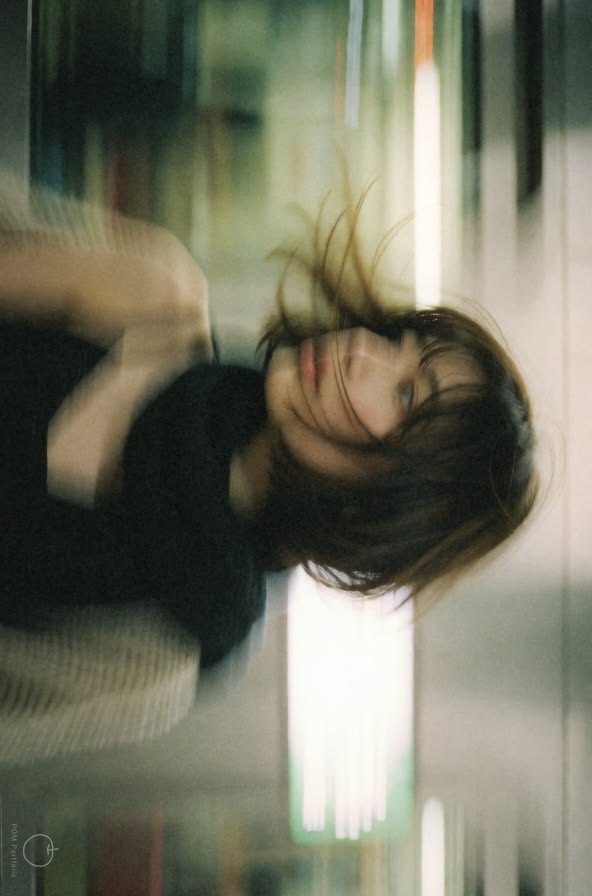
Street light
Blue hour
Soft focus
Street light
Blue hour
Soft focus
Street light
Blue hour
Soft focus
Street light
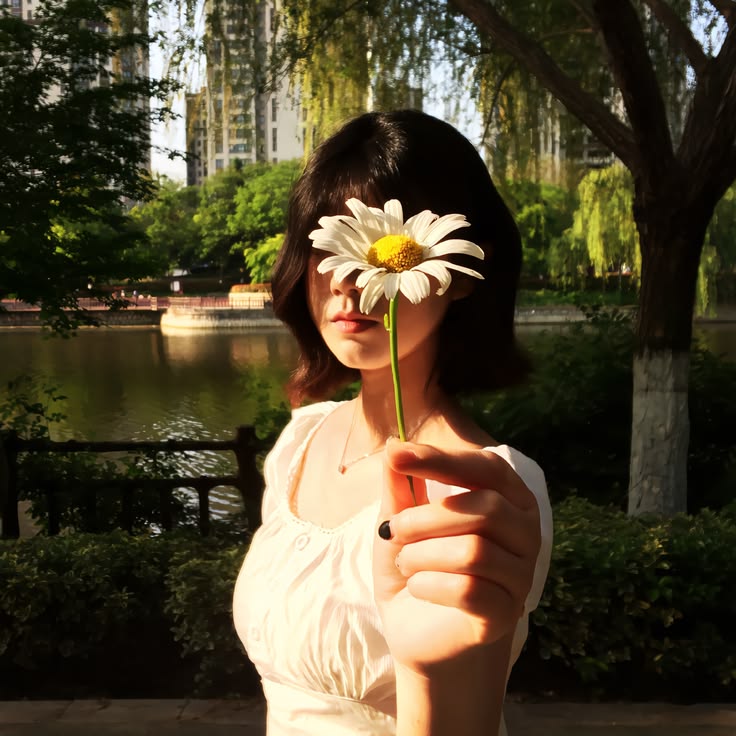
Daisy
Blue hour
Soft focus
Daisy
Blue hour
Soft focus
Daisy
Blue hour
Soft focus
Daisy
Blue hour
Soft focus
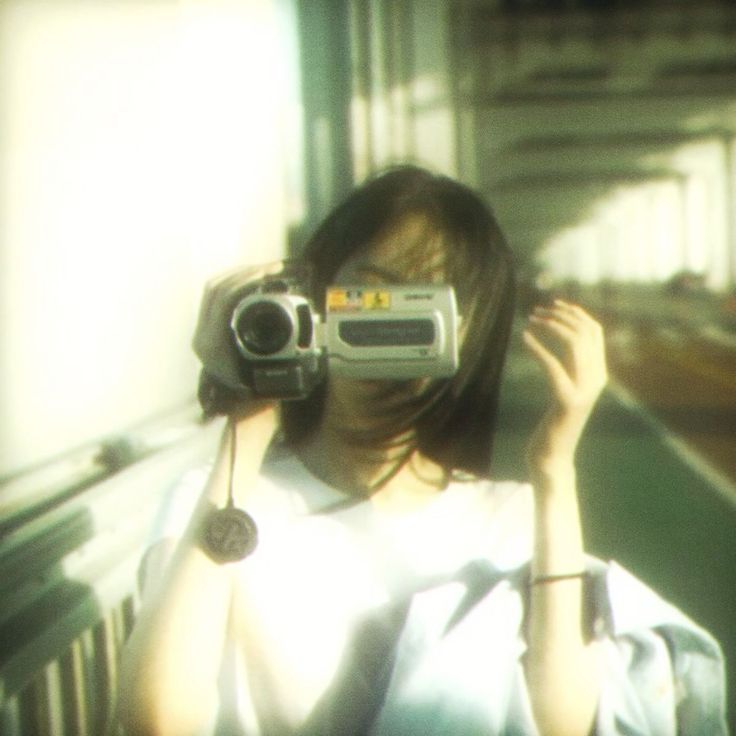
Home movie
Daisy
Blue hour
Home movie
Daisy
Blue hour
Home movie
Daisy
Blue hour
Home movie
Daisy
Blue hour
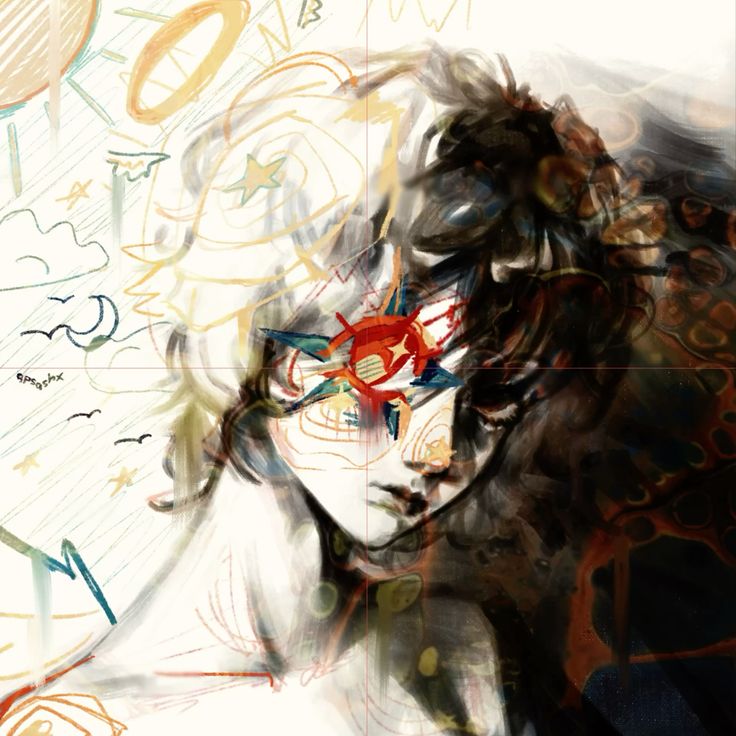
Almost laughing
Home movie
Daisy
Almost laughing
Home movie
Daisy
Almost laughing
Home movie
Daisy
Almost laughing
Home movie
Daisy
Street light
Almost laughing
Home movie
Street light
Almost laughing
Home movie
Street light
Almost laughing
Home movie
Street light
Almost laughing
Home movie

Variation Tweaking

Adjust the options and see the preview update live.

5
Direction
42
0.6

Installation

Install automatically via CLI or manually integrate dependencies and code.

The install command is available with paid source access.

Usage

Import the component and configure visual variants, sizes, and operational states.

import { DriftWall } from '@/components/interactions/drift-wall'
 
<DriftWall
columns={5}
direction="up"
parallax={0.6}
/>

Composition

Compose with icons, form triggers, and layout containers.

const items = [
{ image: '/gallery/visual-01.jpg', title: 'Blue hour' },
{ image: '/gallery/visual-02.jpg', title: 'Daisy' },
]
 
<DriftWall items={items} columns={4} pauseOnHover />

API Reference

Property matrix, types, defaults, and usage descriptions.

PropTypeDefaultDescription
itemsDriftWallItem[]15 sample tilesImage tiles with optional title and link.
columnsnumber5Number of image columns.
tileWidthnumber200Tile width in pixels.
tileHeightnumber132Tile height in pixels.
gapnumber18Space between tiles in pixels.
radiusnumber14Tile corner radius in pixels.
tiltnumber16Overall wall tilt.
turnnumber-14Horizontal wall rotation.
rollnumber0Wall roll rotation.
perspectivenumber1200CSS perspective distance.
depthnumber120Depth between tile layers.
speednumber42Vertical tile drift speed.
direction
'up''down'
'up'Direction of continuous tile movement.
variancenumber0.45Variation in movement between columns.
parallaxnumber0.6Pointer parallax strength.
pauseOnHoverbooleanfalsePauses vertical movement while hovered.
liftnumber64Hover lift distance in pixels.
fadenumber0.6Depth fade strength.
dimnumber0.55Background tile dimming strength.
grayscalebooleanfalseDesaturates tiles.
overlayColorstring'#060010'Tint used over image tiles.
classNamestring''Adds classes to the wall container.
styleCSSPropertiesundefinedAdds inline styles to the wall container.

Data Attributes

State-reflecting DOM attributes for custom selector styling.

This component does not expose custom data attributes. Standard HTML data attributes are forwarded to its interactive element.

How It Works

The wall builds repeating vertical tracks and transforms each column in perspective. Each track drifts independently while pointer movement adds damped parallax and hovered tiles lift toward the viewer.

Accessibility

Image links retain native keyboard behavior, images accept descriptive titles, and the motion engine respects reduced-motion preferences.

Keyboard Navigation
TabMove between linked image tiles.
EnterOpen the focused image link.

Limitations

•The visual effect depends on CSS 3D transforms and browser animation support.
•Provide enough image items to fill the wall without obvious repetition.

Features

•Independent column drift.
•Pointer parallax and hover lift.
•Perspective, tilt, depth, fade, dim, and grayscale controls.
•Optional pause-on-hover behavior.
Credits

Meet the team behind the interaction

Crafted for modern web applications and AI agent workflows.
Aryan

Aryan

@istmX

Building high-performance interfaces, developer tooling, and autonomous agent workflows.

Helped by
Ella

Ella

UI/UX Designer

Crafting beautiful experiences.

Kenji

Kenji

WebGL & Shader Designer

Bringing visuals to life.

Sarah

Sarah

Motion Designer

Animating the details.